 PIP
Open Pip
Study better, together.
Your exams. Your plan. Your people.
Turn exam preparation into a shared journey with friends and family, supported by your personal AI study planner.
From exam dates to a plan you can follow.

Student adds an exam
Biology exam
- Friday 11 June
PIP builds a countdown
3 days to go
- Wednesday · 35 min
- Thursday · 40 min
For families
Stay connected to what matters.
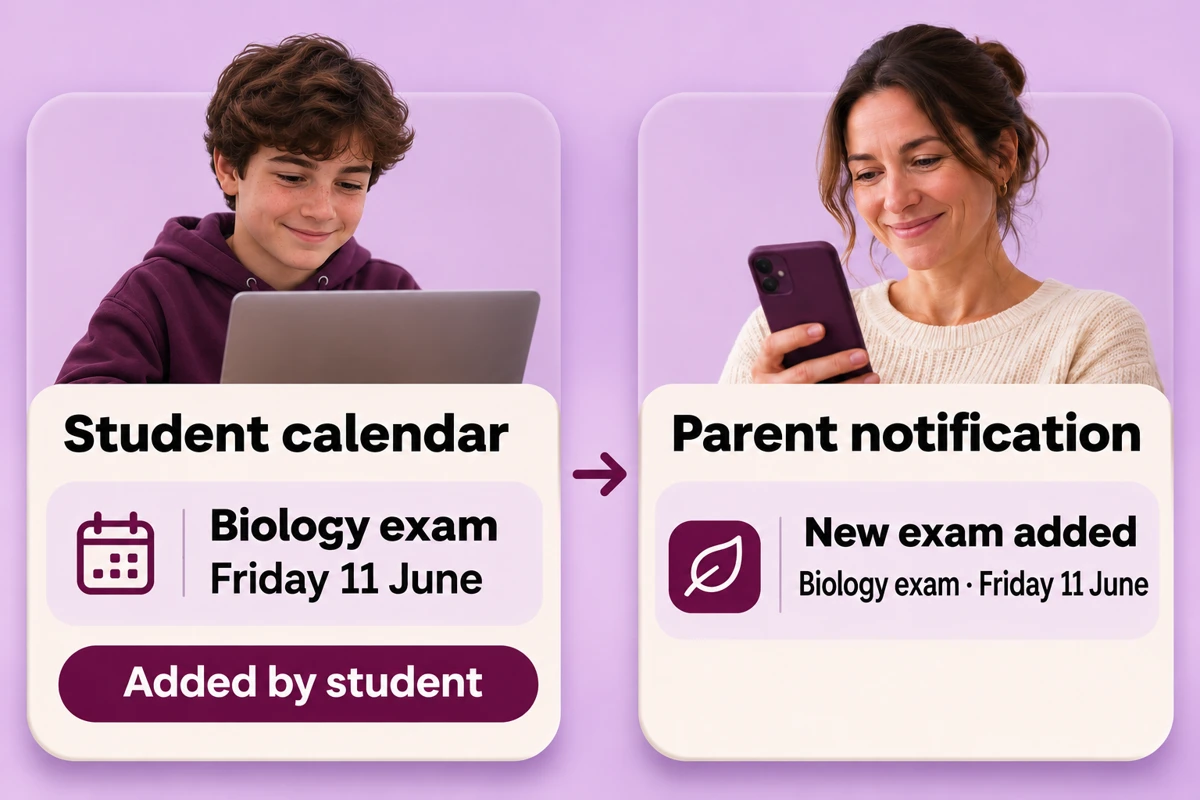
When a student adds an exam, their linked parent can see the update in PIP and open the study plan. They can offer guidance for a session while the student stays in charge.
Shared study plan
Parent sends guidance
- “Let’s review cell structure together.”
For friends
Different places. One study plan.
Invite a friend to a Study Together session via WhatsApp. They open the link in a browser with a one-time access code, then you both work on the shared activity and exchange answers.

Student sends an invite
- Open with an access code
Friend joins in their browser
Shared revision session
- Both share their answers
AI study planner
Your materials. Your personal study plan.
Add notes, PowerPoint slides or photos and review what PIP imports. With AI available, PIP can use the saved material to create a study guide with lessons and practice questions for your revision sessions.

Student adds class materials
Notes, slides or photos
- Review and save the material
PIP generates a study guide
First revision session
- Review cell structure
- Try practice questions
A home on your Home Screen.
No app-store download needed. Open Pip first, then add it to your phone for easy access.
Student and guardian sign-in are both inside Pip. Guardian invitations are optional.
iPhone or iPad
- Tap Open Pip in Safari.
- Tap the Share button.
- Choose Add to Home Screen, then Add.
Android
- Tap Open Pip in Chrome.
- Open the three-dot menu.
- Choose Install app or Add to Home screen and follow the prompt.
Prefer your browser?
Just open Pip and sign in or create an account. Installation is optional.